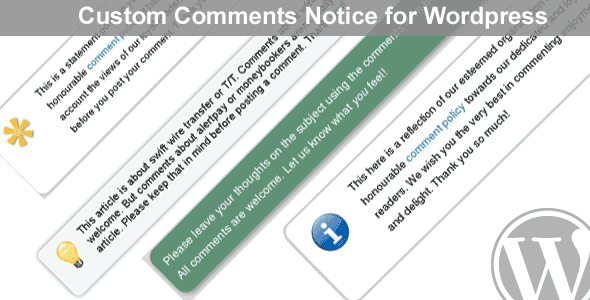
 Comment Form Message for WordPress is a free plugin that allows you to add a custom comment form message to your WordPress powered website. You can set a single message for your entire site and/or choose to display messages on a per post/page basis.
The appearance of the message can be fully customized. For example you can change text and background colors, border and even shadow effects. The plugin comes with various icons that you can add to your message to increase its impact on your audience.
Comment Form Message
Uses
Some of the ways in which you can use this plugin:
- Display a link to your comments policy or privacy policy where your readers will see it.
- Encourage users to comment on your site with an eye catching comment form message!
- Advise your users on your comments form’s advanced features.
- Remind your users to keep comments on-topic and relevant!
Screenshots
Checkout the screenshots of this plugin below:
-

- Custom Comments Notice for Wordpress
-
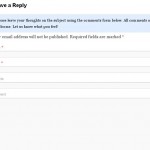
- Custom Comments Notice for Wordpress
-

- Custom Comments Notice for Wordpress
-
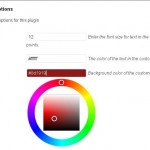
- Text Options for Custom Comments Notice for Wordpress
-

- Icons included with Custom Comments Notice for Wordpress
-
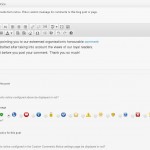
- Post edit screen options – Custom Comments Notice for Wordpress plugin
-
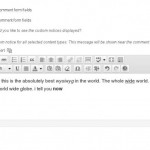
- Global Custom Notice – Custom Comments Notice for Wordpress plugin
System requirements
This comment form message WordPress plugin requires WordPress 3.3 or newer.